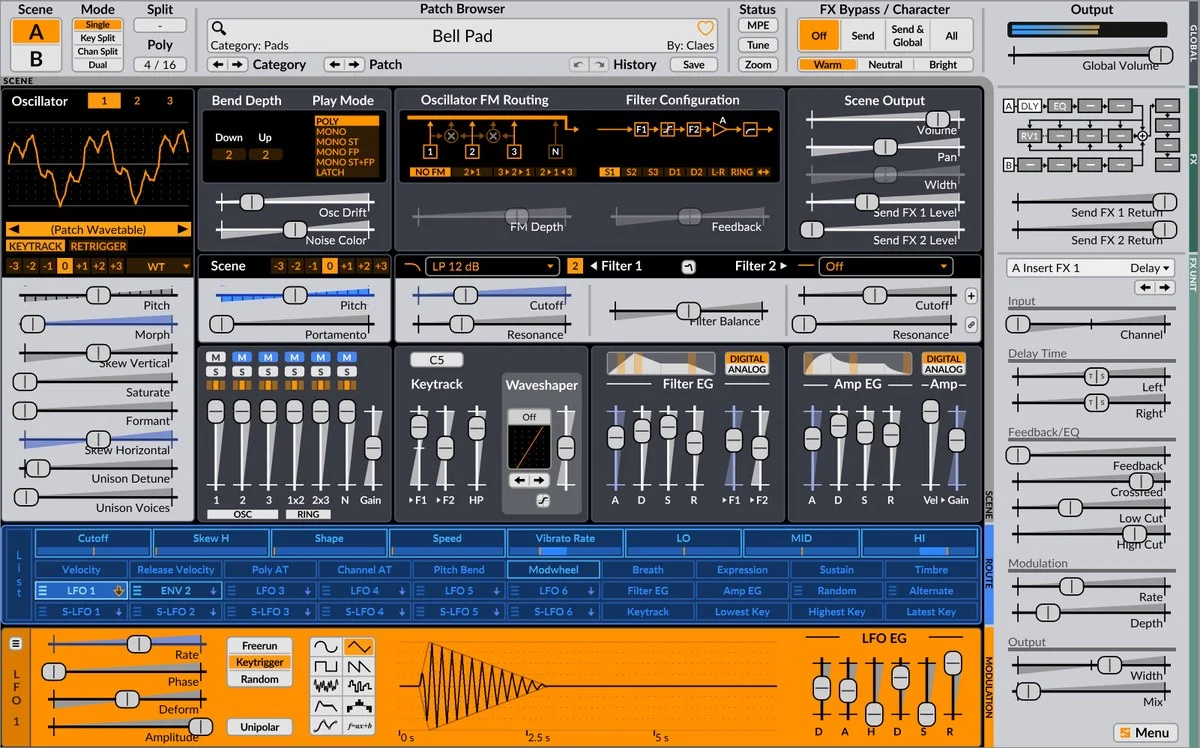
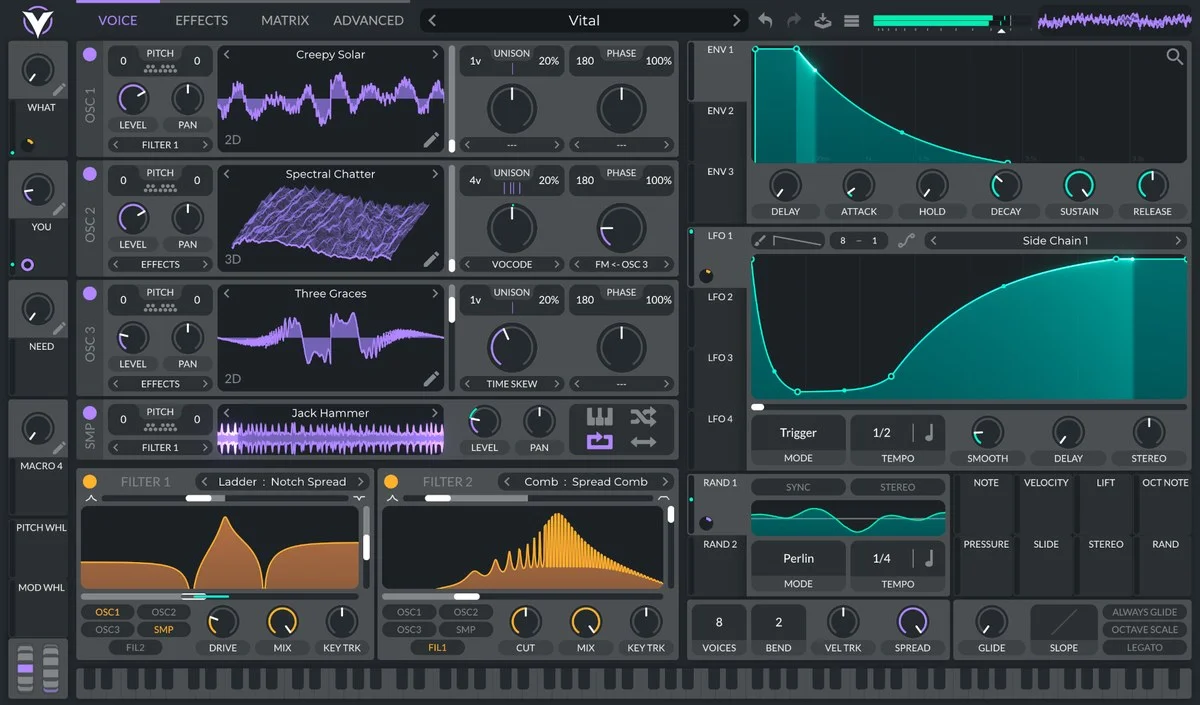
Massive XL is Native Instruments’ commercial wavetable synthesizer and the successor to Massive X. It brings new ways to begin a patch while retaining access to detailed synthesis and routing. Its appeal is the ability to move between a quick starting idea and deliberate, parameter-level editing.
Start from audio, then shape the result
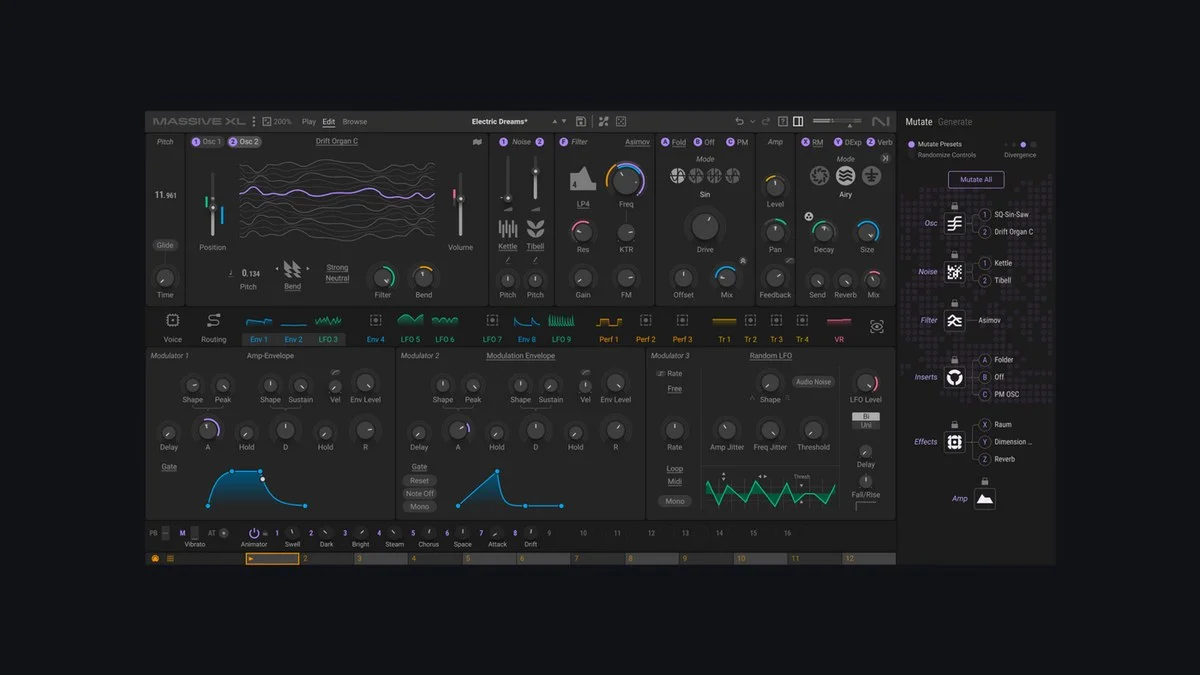
Generate analyzes a short section of an audio file and creates four editable preset variations. Rather than treating the result as a finished sound, use it as a starting point: compare the variations, adjust the synthesis parameters and develop the patch around your musical part. The generation process runs locally.
Mutator and Randomizer offer different routes to variation. Mutator can exchange module types using material from your preset library, while Randomizer changes parameter values within the existing modules. Locking parts of a patch lets you retain a useful foundation while exploring alternatives.
Routing and expressive movement
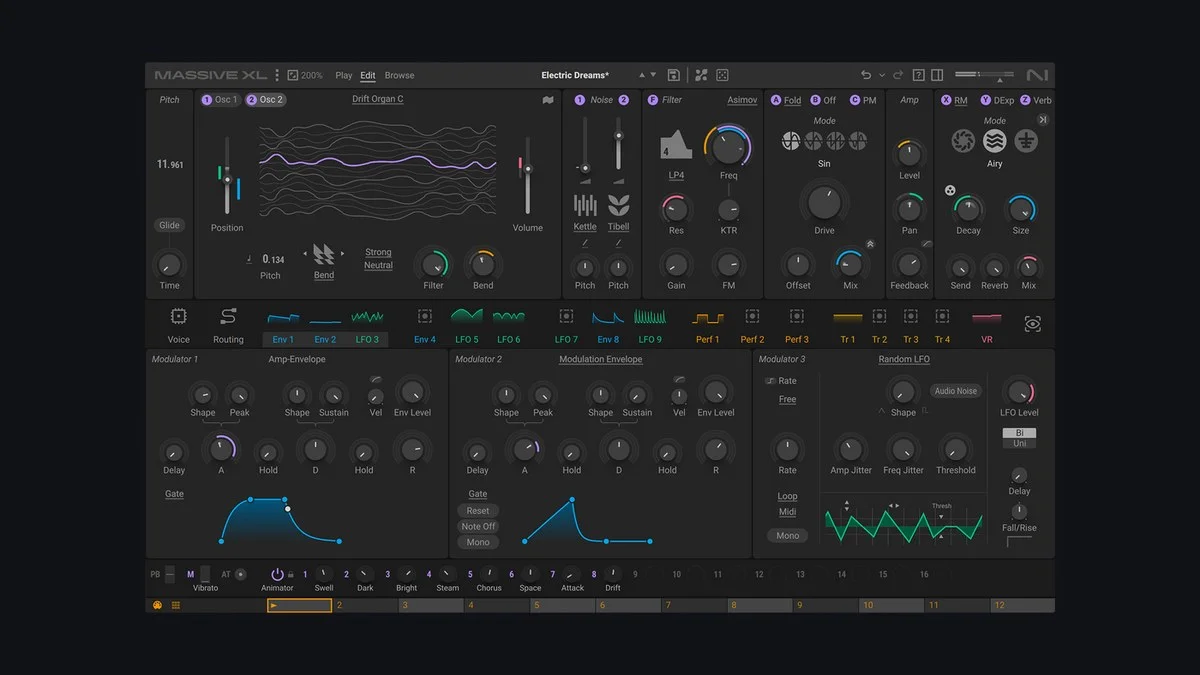
The semi-modular signal path provides room to connect sound sources, filters and processing in different arrangements. Wavetable import, animated modulation displays, Morpher and Animator provide further ways to shape movement. Integrated effects include Raum, Replika Shimmer and Tape Wobble. Polyphonic aftertouch is supported with compatible hardware.
Library and workflow
Massive XL loads Massive X presets and Expansions. User banks and reusable module settings help organize patches and repeat useful starting configurations. It runs inside compatible host software rather than as a standalone application. Install the instrument and its Factory Library through Native Access.
Version reference
This entry uses the supplied v2.0.0 release label. The official public pages reviewed do not state an exact build number; confirm the installed and available versions in Native Access.
Official references and images
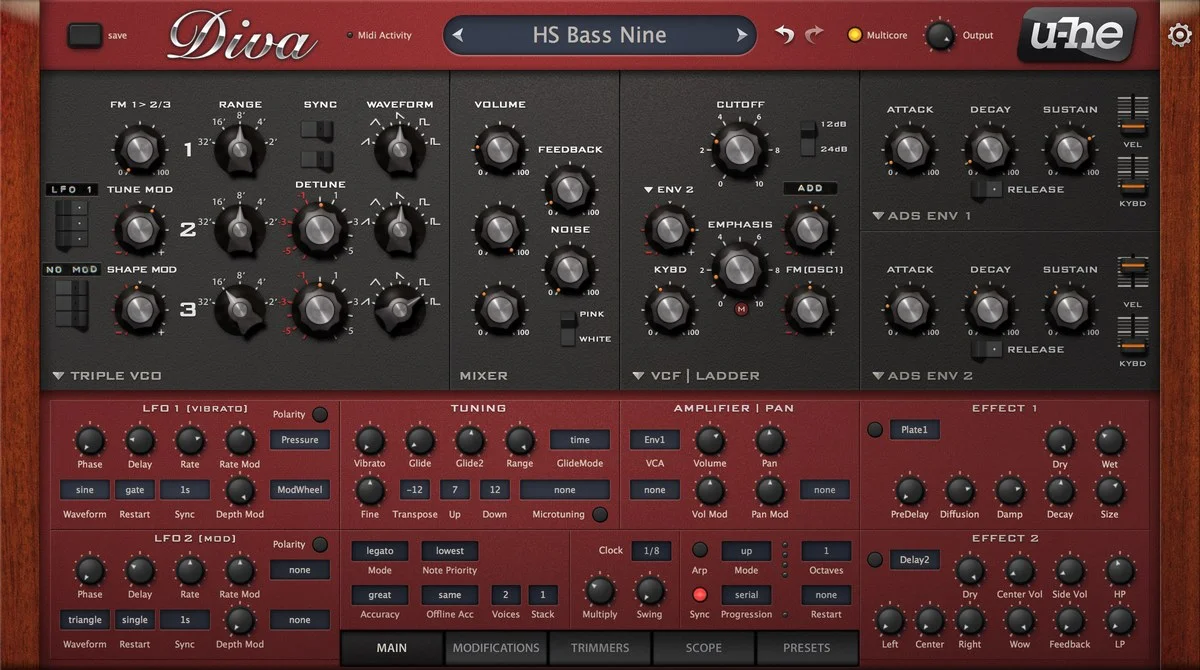
See the Native Instruments product page, official overview and FAQ, and Massive XL user guide. Product screenshots are sourced from Native Instruments and optimized for display.
Key features
- Audio-to-preset generation with four editable variations
- Mutator and parameter Randomizer
- Custom wavetable import and semi-modular routing
- Morpher, Animator and animated modulation feedback
- Raum, Replika Shimmer and Tape Wobble effects
- Massive X preset and Expansion compatibility
- Polyphonic aftertouch support with compatible hardware
A closer look
System requirements
macOS 14, 15 or 26 (latest update), or Windows 10/11 64-bit (latest service pack). Intel Core i5 or equivalent with AVX, or Apple Silicon. 4 GB RAM minimum; 6 GB recommended. A compatible plug-in host is required. Internet access is required for installation and activation; offline use is possible afterward. VST3 and AAX are supported on both platforms; AU is available on macOS. Confirm host compatibility on the official product page.
Installation notes
Install Massive XL using Native Access, then install the Massive XL Factory Library. Rescan plug-ins in your host if needed. For an official trial, use Massive XL Player and enable Demo Mode from its welcome screen or Settings menu.